

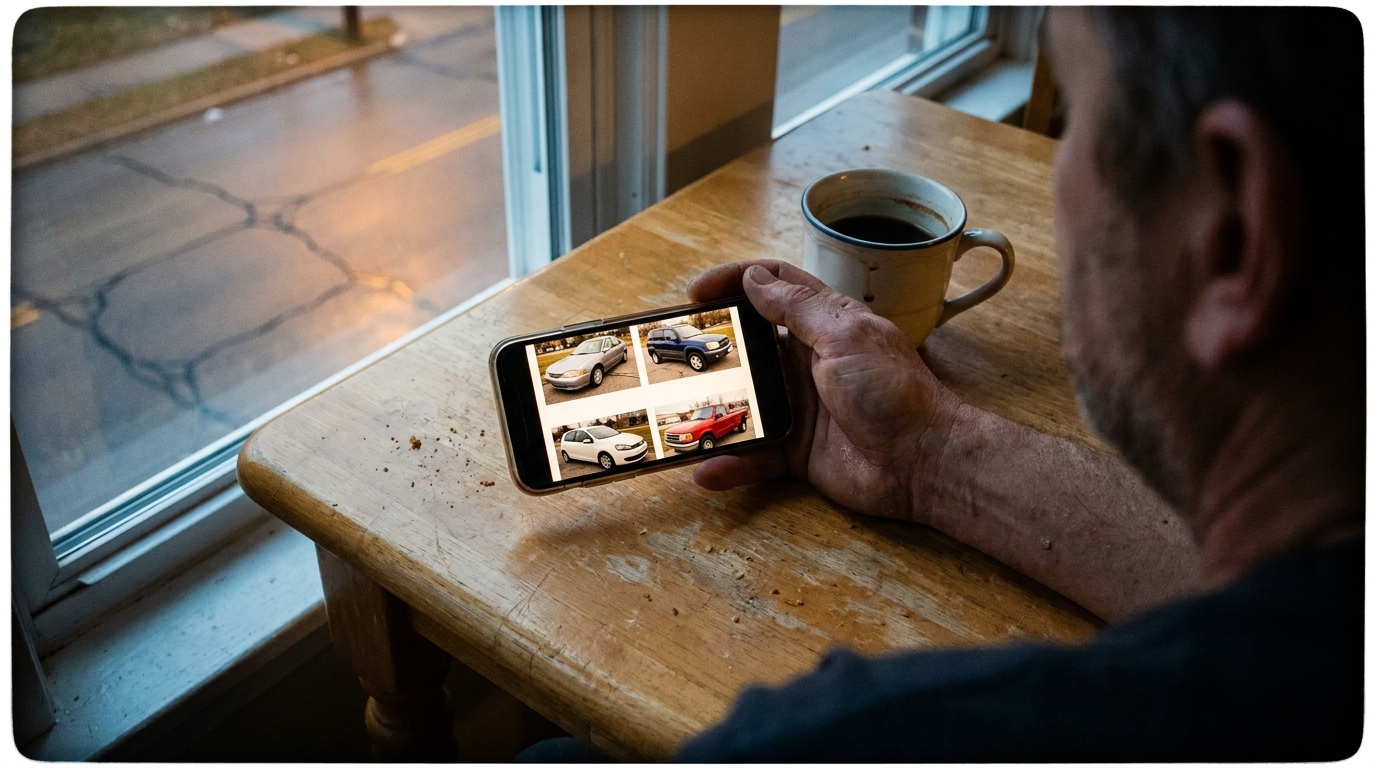
Most sellers upload their photos in the order they took them. Phone out, walk around the car, snap away, upload the batch. It feels logical, but it ignores how Autotrader actually presents those images to buyers.
The platform's gallery layout differs significantly between mobile and desktop, and the thumbnail that appears in search results follows its own rules. Understanding these mechanics matters more than taking twenty extra photos.
Get the positioning wrong and your best shots sit buried where nobody scrolls. Get it right and you're working with the platform instead of against it.
How Autotrader Displays Your Photos on Mobile vs Desktop
On desktop, buyers see a larger hero image with a row of thumbnails beneath it. They can scan several options at once and click directly to whichever interests them. The layout rewards having variety visible early, exterior, interior, engine bay, because desktop users process multiple images simultaneously.
Mobile is different. The gallery becomes a swipe-through carousel where each photo takes the full screen. Buyers see one image at a time, and they're making micro-decisions with every swipe: keep going or go back to search results. Your first three photos carry disproportionate weight because mobile users rarely swipe past six or seven.
Autotrader's mobile traffic has grown substantially over the years, which means your photo sequence needs to assume someone is swiping through on their phone during a lunch break. Desktop viewers will find your good shots eventually. Mobile viewers might not stick around long enough.
The Thumbnail That Decides If Buyers Tap Through
Before anyone sees your gallery, they see a single thumbnail in search results. On Autotrader, this is typically your first uploaded image, cropped to fit a horizontal rectangle. Whatever sits in the centre of that frame is what buyers judge your listing by.
This creates a specific problem: photos that look great in full can look cramped or confusing as thumbnails. A dramatic three-quarter angle might crop awkwardly. A wide shot showing your whole driveway might make the car look small and insignificant.
The safest thumbnail image is a clean front three-quarter shot with the car filling most of the frame. No distracting background elements competing for attention, no awkward cropping that cuts off wheels or mirrors. If your driveway is cluttered or your background is busy, this is where AI background removal earns its keep, replacing visual noise with a neutral setting that lets the car dominate the thumbnail.
Buyers scrolling through dozens of listings make split-second decisions. A thumbnail where the car is clearly the subject, well-lit and prominent, gets tapped. A thumbnail where the car competes with wheelie bins, neighbouring houses, or harsh shadows gets scrolled past.
Why Interior Shots Placed Early Can Backfire
Interior photos matter. Buyers want to see seat condition, dashboard wear, whether the carpets look maintained. But placing interior shots in positions two or three of your gallery creates problems specific to Autotrader's layout.
On mobile, an early interior shot breaks the visual flow. Buyers expect to see the exterior from multiple angles first, it's how they mentally orient themselves to the vehicle. Jump to an interior shot too quickly and it feels jarring, like walking into a house through the bathroom window.
There's also a perception issue. Interior photos, especially of older vehicles, tend to show more wear than exteriors. The plastics look faded, the leather shows creases, the steering wheel looks used. None of this is dishonest, it's reality, but leading with interior shots primes buyers to notice imperfections before they've appreciated the overall vehicle.
A more effective sequence: exterior hero shot, opposite three-quarter angle, rear view, then interior overview, followed by detail shots. By position four or five, buyers are already interested enough to evaluate the interior fairly rather than using it as a reason to swipe away.
Photo Count: When More Helps and When It Overwhelms
Autotrader allows generous photo uploads, and sellers often interpret this as more is better. It's not always true.
For private sellers listing a daily driver in the $5,000-$20,000 range, eight to twelve well-chosen photos typically outperform twenty mediocre ones. Every blurry shot, every redundant angle, every photo that adds no new information dilutes the impact of your good images.
The calculation changes for enthusiast vehicles, classics, or higher-priced listings where buyers expect documentation. A $45,000 sports car warrants twenty photos showing engine details, brake components, service history receipts. Buyers at that level want evidence of care and condition. Skimping on photos looks suspicious.
The question to ask for each image: does this photo tell the buyer something they didn't already know? A second shot of the same wheel from slightly different angle doesn't. A shot showing the boot space with seats folded does. A shot of the undercarriage showing no rust does. Edit ruthlessly.
Matching Photo Quality to Price Bracket Expectations
Buyers have unconscious expectations based on listing price. A $3,000 Corolla photographed on a suburban driveway with natural lighting looks appropriate. The same car with professional studio-style backgrounds might actually raise suspicion, why is a three grand car getting this treatment?
Conversely, a $60,000 vehicle photographed against overflowing bins with harsh shadows looks wrong. The visual quality doesn't match the price, which creates cognitive dissonance. Buyers might wonder what else is off.
This is where considered background cleanup makes sense for mid-range and higher listings. You're not trying to pretend a Mazda3 is a Porsche, you're removing distractions so the photo quality matches the asking price. Tools like Cardabra handle the background while leaving the car exactly as it is, including any visible wear. The result looks polished without looking fake.
For budget cars, authenticity often works better than polish. A clean but clearly amateur photo suggests honest private seller. Over-produced images might suggest dealer pretending to be private, which triggers scepticism.
Sequencing Your Gallery for Autotrader's Algorithm
Autotrader's search results favour listings with complete information, and photos are part of that completeness signal. But beyond having enough photos, the platform doesn't publicly reward specific sequences, this is about buyer behaviour, not algorithmic preference.
That said, buyers who engage longer with your listing (more time viewing, more photos clicked) send positive signals that may influence your listing's visibility. A well-sequenced gallery that keeps buyers swiping through contributes to this engagement.
The sequence that tends to hold attention: strong exterior thumbnail first, second exterior from opposite angle, rear three-quarter, interior overview, dashboard/gauge cluster, boot space, engine bay (if relevant to your market), any unique features or recent maintenance evidence.
Every photo should advance the buyer's understanding. Arrange them like you're giving a tour, not like you're dumping a camera roll.
The same sequencing logic applies on the other Australian platforms, and Carsales, Gumtree and Facebook Marketplace: Photo Requirements Compared covers what each expects. For capturing the shots themselves, start with How to Photograph a Car for Sale With Just Your Phone.
Turn your phone snaps into showroom-grade listings.
Upload a photo, pick a background, and Cardabra returns a polished listing image in about 30 seconds.