

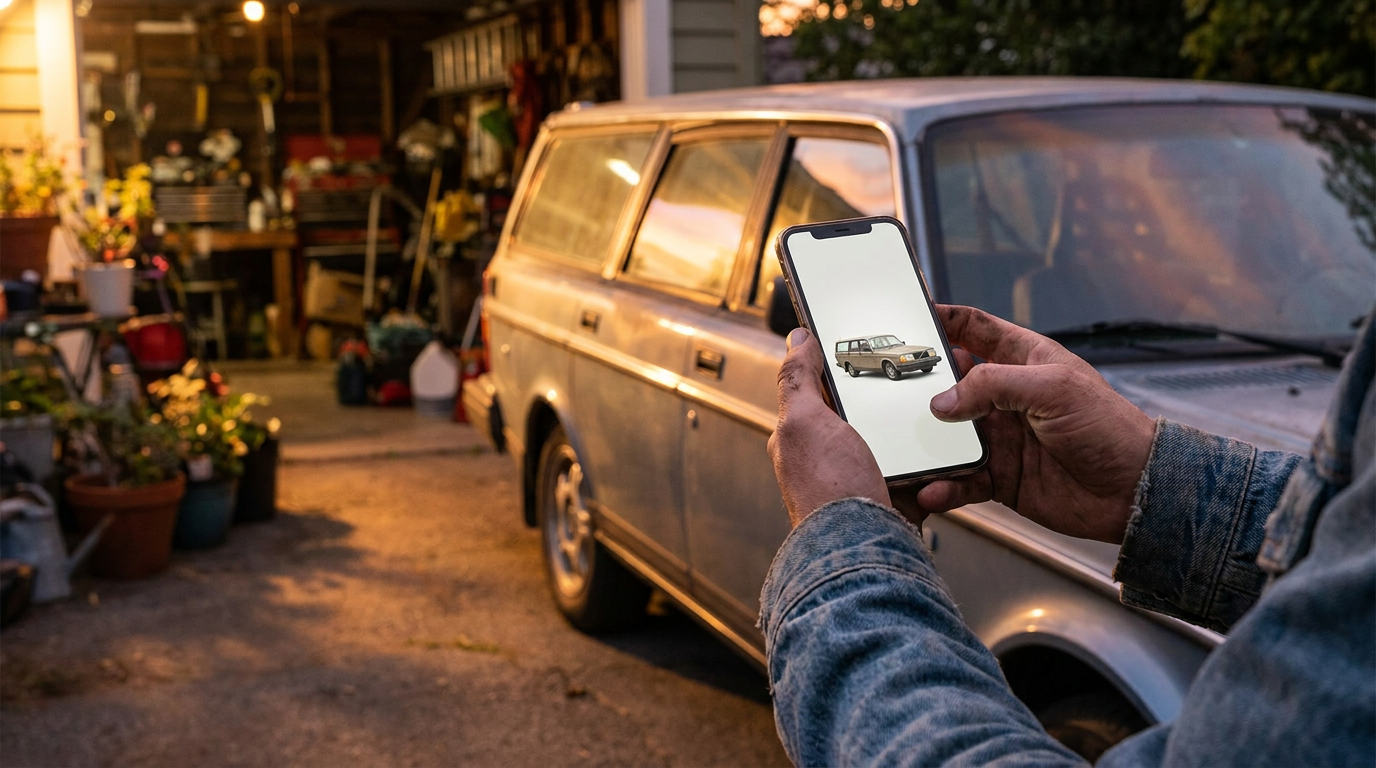
AI can make a dull car listing look much more professional. It can replace a messy driveway with a cleaner background, improve dull lighting, crop the car properly, and blur licence plates. That helps buyers focus on the vehicle instead of the wheelie bins, shadows, or house number behind it.
But there is a hard line: presentation is fair; misrepresentation is not. If an edit makes the car look newer, cleaner, straighter, better equipped, or less damaged than it really is, it should not be in the listing. A buyer should never turn up and feel the photos were trying to hide something.
Good ai car photo editing is not about pretending a used car is perfect. It is about showing the car clearly, consistently, and safely, while leaving its real condition intact.
What honest AI editing can improve
The best use of AI in car photos is to remove distractions that are not part of the vehicle. A cluttered background, a harsh shadow, a fence post growing out of the roofline, or a dark garage can all make a genuine car look worse than it is. Fixing those issues is reasonable because they do not change the car itself.
Honest AI editing can improve:
- Backgrounds: replacing a busy street, driveway, or car park with a clean, neutral scene
- Lighting balance: making the image easier to read without changing the paint colour or hiding marks
- Framing and crop: centring the vehicle and showing it from a useful angle
- Reflections: reducing distracting glare that obscures panels, provided it does not cover damage
- Licence plates: heavily blurring or obscuring plates for privacy
- Image consistency: making a set of photos look like they belong together
This is where an AI car background can be genuinely useful. A buyer does not need to see your neighbour’s bins, the dealership next door, or a crowded shopping centre car park. They need to see the car.
The same goes for lighting. A phone photo taken at midday can have blown-out highlights and harsh panel shadows. A careful edit can make the image more balanced, but it should not repaint the car, deepen the gloss beyond reality, or make faded paint look freshly detailed.
If you use a tool like Cardabra to edit car photos, the goal should be a cleaner listing photo, not a fictional version of the vehicle. Cardabra removes visual distractions, creates cleaner presentation, and heavily blurs licence plates, but it should not be used to hide damage or fake a better condition.
What should never be removed or changed
Some things are not distractions. They are condition.
Scratches, dents, scuffed wheels, cracked lights, worn seats, faded paint, missing trim, rust, hail marks, torn upholstery, stone chips, dashboard warning lights, and mismatched panels all matter. They affect price, trust, and the buyer’s decision. Removing them from photos is not smart selling. It is misleading.
Do not use AI to:
- Remove scratches, dents, chips, rust, or stains
- Straighten panels that are actually bent
- Replace worn tyres with better-looking ones
- Add accessories such as roof racks, spoilers, tow bars, decals, or upgraded wheels
- Make faded headlights look new if they are not
- Change the colour of the car
- Hide warning lights on the dashboard
- Clean up a damaged interior so it looks repaired
- Make a dirty engine bay appear freshly detailed
- Remove evidence of accident damage
The test is simple: if a buyer would care about it when inspecting the car, leave it visible.
There is also a difference between improving visibility and altering reality. Brightening a dark interior photo so the seats can be seen is fine. Removing a cigarette burn from the driver’s seat is not. Cropping out empty space is fine. Cropping out a dent in the rear quarter because it hurts the listing is not.
A good car photo editor should help your listing look tidy. It should not become a repair shop.
Practical examples: background, lighting, plates, scratches
Here is how the ethical line works in common situations.
Background: Your car is parked in front of a cluttered garage, with tools, boxes, and another vehicle behind it. Replacing that background with a clean driveway or showroom-style setting is fair, as long as the car’s shape, panels, tyres, trim, and condition remain unchanged. The background is not the product for sale.
Lighting: The original photo is underexposed and the black paint looks like a flat blob. Lifting the exposure and contrast so the panels are readable is fair. Making the paint look freshly corrected, deeper, or more metallic than it is in person is not.
Licence plates: Blurring licence plates is sensible. Many sellers do it for privacy and security. The blur should be heavy enough that the plate cannot be read. This is not about hiding the car’s identity from a buyer forever; it is about not publishing your registration details unnecessarily across the internet.
Scratches: A light scratch on a door is part of the vehicle’s condition. Do not remove it. If it is hard to see in the main hero photo, include a closer photo of the scratch later in the listing. Buyers are far more forgiving of disclosed flaws than they are of surprises.
Wheels and tyres: Cleaning up the background around the wheels is fine. Removing kerb rash, changing tyre tread appearance, or making brake dust disappear from the wheel itself can cross the line. If the wheels are scuffed, show them.
Interior wear: Brightening the cabin and correcting colour cast is fine. Removing bolster wear, stains, sagging trim, or a cracked centre console is not. Interior condition is a major part of how buyers judge a used car.
Honest car photos do not need to be ugly. They just need to be true.
How to disclose condition clearly in photos
The best listings usually do two things well: they make the car look easy to understand, and they do not make buyers hunt for bad news.
Start with clean, well-presented overview shots. Include front three-quarter, rear three-quarter, both sides, front, rear, wheels, interior front, interior rear, dash, odometer, boot, engine bay if relevant, and service books or documentation where appropriate.
Then add condition photos. If there is a dent, scratch, scuffed wheel, cracked trim, paint fade, or seat tear, photograph it clearly. Do not bury it at the very end with no explanation. Pair it with plain language in the listing description.
For example:
- Minor scratch on passenger-side rear door, shown in photo
- Kerb rash on front left wheel, pictured
- Small tear on driver’s seat bolster, shown close up
- Paint fade on roof and bonnet, visible in photos
- Stone chips on front bumper consistent with age
This approach does not weaken your listing. It filters out buyers who expect perfection and builds confidence with serious buyers. It also reduces wasted inspections, awkward conversations, and lowball offers based on newly discovered flaws.
If you have used ai car photo editing, you do not usually need a dramatic disclosure for basic background or plate edits. But if a platform, buyer, or dealer process asks whether images have been edited, answer honestly. For a full breakdown of what Australian law actually requires here, see do you have to disclose AI edited car photos in Australia. The important point is that the car’s condition has not been altered.
A useful wording is: Photos have been edited for background and presentation only. Vehicle condition has not been altered; marks and wear are shown.
Seller checklist before publishing
Before you publish on Facebook Marketplace, Carsales, Autotrader, Gumtree, or your dealer website, run through this checklist. Licensed dealers should also check the advertising photo rules for QLD, NSW and VIC, since several states regulate what listing images must show.
1. Does every edit leave the car’s real condition intact?
If the answer is no, do not use that image.
2. Are all visible flaws still visible?
Zoom in on panels, wheels, bumpers, glass, lights, seats, and dash. Make sure no damage has been softened, painted over, or hidden by an edit.
3. Is the colour accurate?
AI and filters can push paint too warm, too cool, too glossy, or too saturated. The car should look like the car a buyer will inspect.
4. Are the licence plates blurred properly?
A half-blurred plate is not much use. Make sure it cannot be read.
5. Is the background clean but believable?
A neutral background is good. A fake luxury showroom for a rough trade-in can feel odd. Choose a setting that improves clarity without over-selling the vehicle.
6. Have you included close-ups of damage and wear?
Do not rely on buyers to spot every mark in wide photos. Show important flaws clearly.
7. Does the description match the photos?
If you write very clean condition but the wheels are scuffed and the seats are worn, buyers will notice. Be direct.
8. Would you be comfortable showing the unedited photos to a buyer?
This is the simplest honesty test. If the edited version tells the same truth more clearly, it is probably fine. If it tells a different story, it is not.
For sellers who want cleaner listing photos without spending hours learning editing software, Cardabra can help turn phone snaps into polished car listing images. Use it to improve presentation, not to rewrite the car’s history.
The line is clearer than people think
There is nothing wrong with making car photos look better. In fact, clear photos are part of selling responsibly. A messy, dark, badly framed image can make buyers suspicious even when the car is completely honest.
The problem starts when editing moves from presentation into concealment. Backgrounds, clutter, poor framing, harsh shadows, and exposed plates are fair game. Damage, wear, missing parts, warning lights, and real condition are not.
Good ai car photo editing should make the listing easier to trust. If it does that, it helps both sides. If it hides the truth, it will usually cost you later in wasted time, disputes, or a buyer who walks away at inspection.
Turn your phone snaps into showroom-grade listings.
Upload a photo, pick a background, and Cardabra returns a polished listing image in about 30 seconds.