

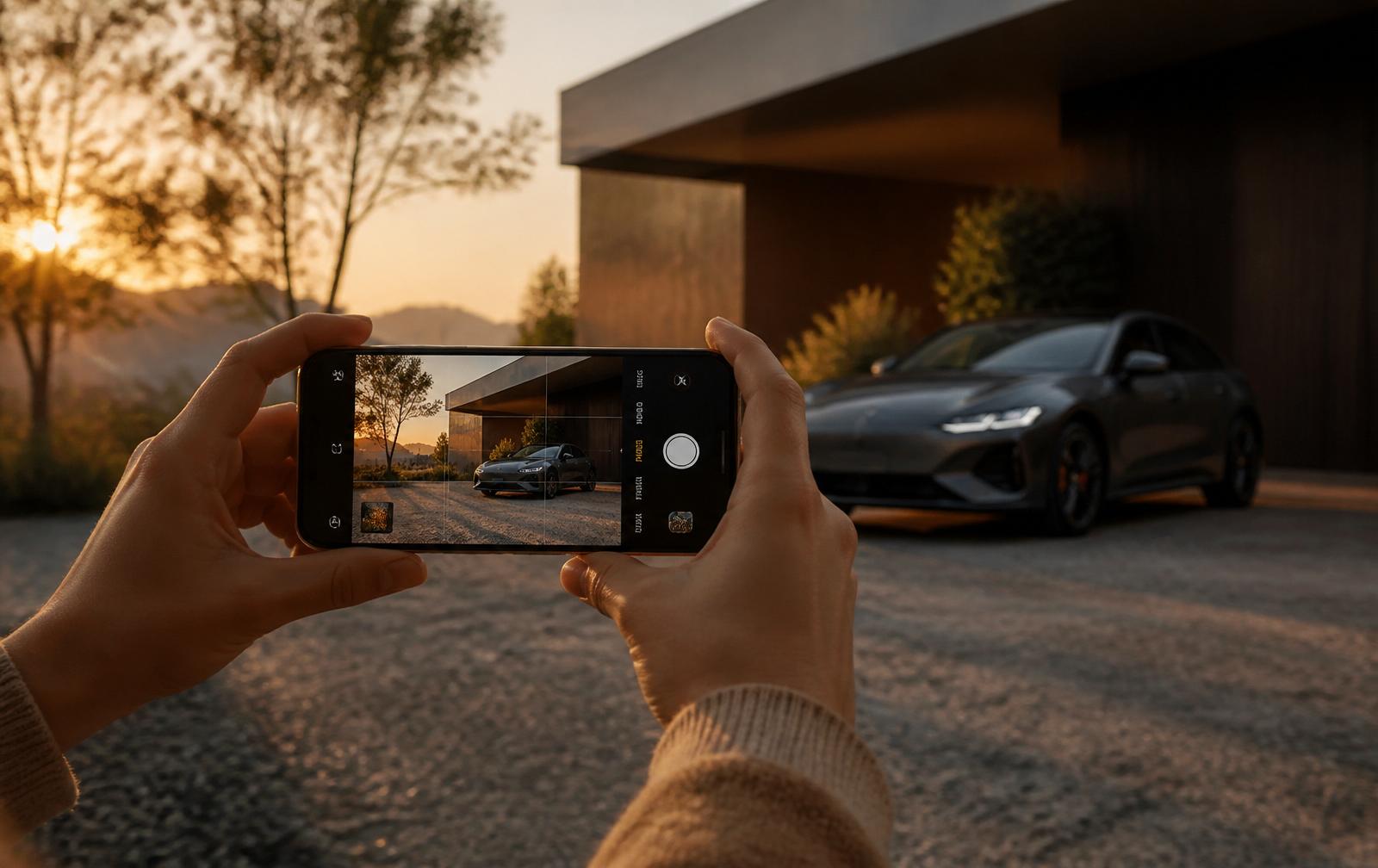
If you've ever scrolled a marketplace and seen a perfectly good car listed at a fair price, and still kept scrolling, you already know the truth: photos sell cars, prices just close them.
Below are the five mistakes we see most often when private sellers shoot their own listings on a phone, and the quick fixes that make the biggest difference.
1. Shooting against a cluttered background
A red recycling bin in the frame, your neighbour's lawn furniture, or a half-open garage door all do the same thing: they pull the buyer's eye away from the car.
Fix: find the cleanest backdrop you can, an empty parking lot at sunrise, a quiet side street, a plain warehouse wall. If that's not realistic where you live, this is exactly what Cardabra's AI background replacement is for: drop the car onto a showroom backdrop in about 30 seconds.
2. Harsh midday sun
Direct overhead sun creates blown-out highlights on the roof and pitch-black shadows under the wheel arches. Buyers can't see the panels clearly, which makes the car look hidden, and hidden makes them suspicious.
Fix: shoot in the golden hour, the hour after sunrise or before sunset. If you can't, find open shade (a building's shadow works) and avoid direct sun on the bonnet.
3. Wrong angle
Phone photos taken from standing height, with the camera pointed slightly down, make every car look smaller and more awkward than it is.
Fix: crouch slightly so the lens is roughly at the height of the headlights. Step back and zoom in with your feet, not the pinch gesture, phone digital zoom destroys detail.
4. Only one angle
Buyers want to know what they're getting before they drive across town. A single front-three-quarter shot doesn't cut it.
Fix: the standard dealer set is six images, front 3/4, side, rear 3/4, interior front, interior rear, dashboard/odometer. Cardabra processes them all in one go.
5. Leaving the licence plate visible
Plates are personally identifying information, and most marketplaces will demote (or remove) listings that show them clearly. They also make screenshots easier to misuse.
Fix: blur the plate before you upload. Cardabra does this automatically by default, heavy blur, never removal, so the listing still looks honest.
The honest part
None of this is about masking the car. Buyers can spot an over-edited photo a mile away, and trust dies the moment the car shows up in person looking different from its listing.
Every fix above, including everything Cardabra does, is about removing distractions so the buyer can see the real car. The dent stays. The faded paint stays. The patina on the badge stays. Only the room around it changes.
That's the difference between a phone snap and a showroom photo. And it's usually the difference between a listing that sits and one that sells.
If you want the full shot list rather than just the mistakes, How to Photograph a Car for Sale With Just Your Phone covers it end to end, and AI vs Photoshop for Car Backgrounds compares the editing options once the photos are taken. You can test Cardabra on your own worst photo with the free trial credits.
Turn your phone snaps into showroom-grade listings.
Upload a photo, pick a background, and Cardabra returns a polished listing image in about 30 seconds.