
If you are in Australia and searching for a MotorCut alternative, here is the short version. MotorCut is a UK product priced in pounds, with no Australian dollar option on its pricing page. The alternatives most people land on are Spyne, which is enterprise software sold by sales call, and carbackground.ai, which is an American credit based editor. None of the three is built for Australian selling, which means Australian plates, Carsales and Gumtree and Facebook Marketplace, AUD billing, and the Australian Consumer Law's view of what an edited photo is allowed to claim. This article compares all of them honestly, including where each one is the right choice, and explains what an Australian dealer or private seller should actually test before paying anyone.
What MotorCut does well, and who it suits
MotorCut is car photo editing software aimed squarely at dealerships. You photograph the car, the app cuts it out and places it on a branded background, and higher tiers add things like custom branding and API access. It is a polished product with a real dealer customer base in the UK.
Its pricing model is a monthly subscription with credits. At the time of writing, plans on MotorCut's pricing page run from a Core tier at £40 a month for roughly 8 adverts' worth of credits up to a Platinum tier at £300 a month for roughly 120 adverts, with pricing also shown in US dollars and euros. There is no Australian dollar pricing. That is not a small thing. It means paying by currency conversion on every renewal, and it tells you where the product's attention is. The backgrounds and branding conventions lean toward UK forecourts, and nothing in the product is tuned for the platforms Australians actually list on.
If you run a dealership in Britain, MotorCut is a sensible choice. If you run a yard in Logan or Penrith, you are buying a product designed around someone else's market.
Spyne: built for enterprise groups, sold by sales call
Spyne is the biggest name in this category. It is an Indian founded company with serious funding that sells an AI merchandising suite to dealership groups: studio style photo processing, 360 spins, virtual showrooms, and integrations with dealer management systems. It claims tens of thousands of dealerships across dozens of countries.
The catch for most Australian sellers is the sales model. Spyne's pricing page lists two plans, Lite and Pro, and neither has a public price. Everything routes through a sales conversation, and pricing is tailored to monthly inventory volume and number of locations. That is the structure of software built for groups moving hundreds of cars a month. For a large franchise group it is worth the conversation. For an independent yard turning twenty cars a month, or a private seller with one car, it is the wrong shaped product, and you will feel that in the onboarding before you feel it in the invoice.
carbackground.ai: American, credit based, no Australian anything
carbackground.ai is the most direct MotorCut competitor in spirit: upload a photo, get a new background, pay with credits rather than a subscription. It publishes a large volume of content and comparison pages, and for American private sellers it is a reasonable tool.
For Australians the gaps are the same shape as MotorCut's, just in US dollars. There is no Australian content, no Australian dollar billing, and no particular handling for the things that matter here, like blurring a NSW slimline plate properly or sizing output for Carsales' gallery. Tools trained and tested on American listings also inherit American conventions, right down to which side of the car the steering wheel sits on in their marketing shots.
The Australian test: four things to check before you pay
Whatever tool you evaluate, run it through these four checks. They separate products built for this market from products that merely accept your credit card from it.
First, currency and billing. AUD pricing, GST handled, no conversion fees on renewal. Second, plate handling. Australian plates come in state specific shapes and colours, and a tool should blur them cleanly without smearing the surrounding panel. If you want the background on why plates matter, we covered it in Should You Blur Your Number Plate When Selling a Car Online in Australia? Third, platform fit. Your photos are going to Carsales, Gumtree and Facebook Marketplace, and each has its own gallery behaviour and photo expectations. Fourth, and most important, condition preservation. Australian Consumer Law treats a listing photo as a representation about the car. A tool that flatters the metal, removing a dent here, cleaning up a scratch there, is manufacturing a misrepresentation you are legally responsible for. This is the test most editing tools fail, because most of them are built to make the car look better rather than to make the photo look better.
Where Cardabra fits
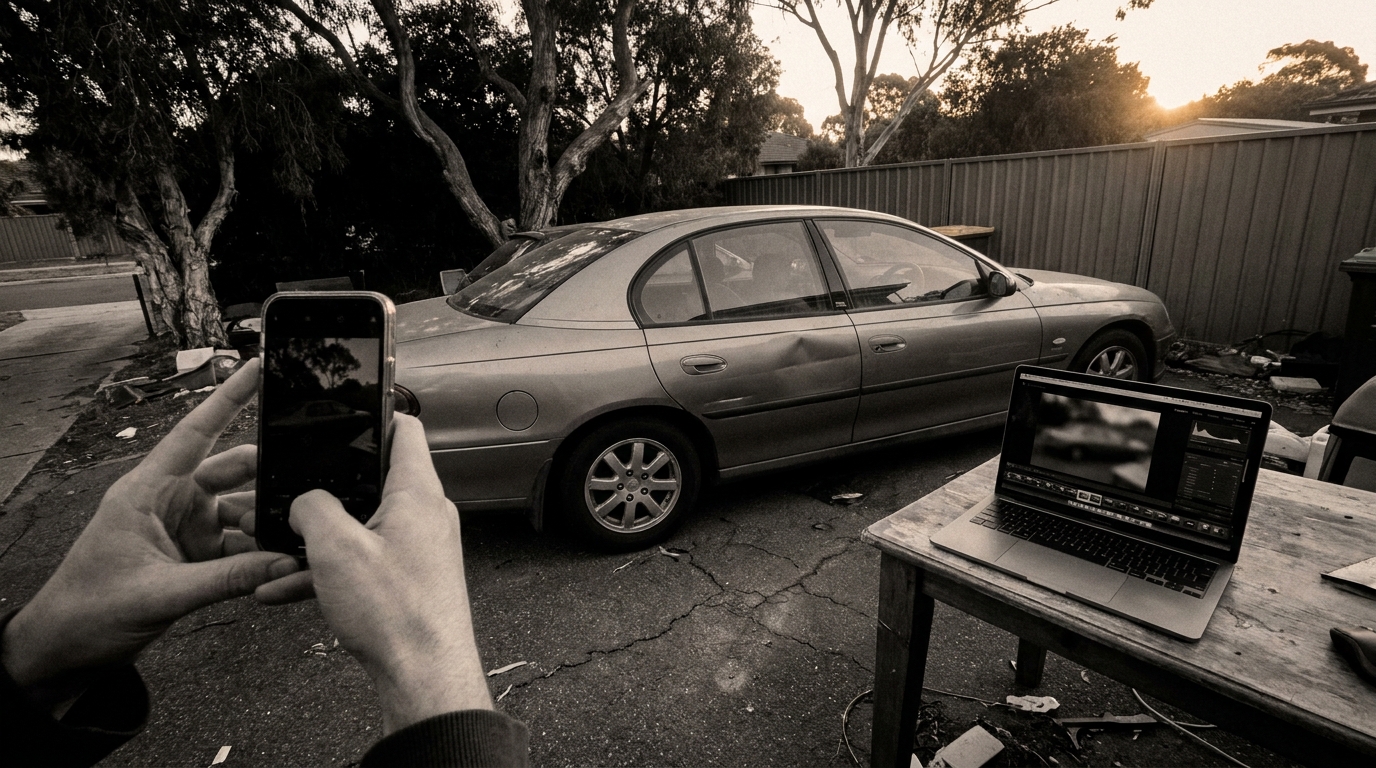
Cardabra is the Australian option, and it was built around that fourth check. The image processing algorithm rebuilds the background and lighting around the vehicle, a showroom, a driveway, a clean studio, while preserving the car's actual condition down to individual stone chips. That preservation is the hard part of the problem, and it is the part the algorithm is engineered for. Using it is deliberately effortless, one upload per car from a phone, but what happens to the image in between is anything but simple.
The practical differences from the three tools above: billing is in Australian dollars, with credit packs for private sellers and monthly plans for dealers on the pricing page. Plate blurring is built for Australian plates. The output is aimed at the platforms Australians list on. And the editing philosophy is the one that keeps you on the right side of the ACL, which we set out in Car Photo Editing That Keeps the Dents.
To be even handed about it: if you are a UK dealership wanting deep branding features, MotorCut is a fine product. If you are a fifty rooftop group wanting DMS integration and virtual showrooms, talk to Spyne. If CarCutter is on your shortlist, we compared its platform and published contract terms in CarCutter Alternative Australia: What Dealers Should Compare. Cardabra's ground is Australian dealers, detailers and private sellers who want showroom presentation without misrepresenting the car.
How to run a fair trial
Do not evaluate any of these tools on their sample images. Take three of your own photos, one clean car, one car with visible panel damage, and one shot in bad light on a cluttered driveway, and run the same three through each candidate.
Then look at four things in the output. Whether the damage is still there, exactly as photographed. Whether the plate is properly obscured. Whether reflections and shadows under the car look physically right rather than pasted. And what the total cost per car works out to in Australian dollars once you account for retries. Most tools give you free credits to start, Cardabra included, so this whole comparison costs you an afternoon.
For a wider look at the category beyond these three, AI Car Photo Editor in Australia covers what to look for in any tool, and What Car Photo Editing Costs in Australia puts the numbers against hiring a photographer. If you want the deeper technical comparison of editing approaches, AI vs Photoshop for Car Backgrounds walks through it.
The honest summary: search results for this category are full of tools comparing themselves to each other, and nearly all of them are competing on how good they can make your car look. In Australia, the better question is how good they can make your photo look while leaving the car alone. Ask that question and the field narrows quickly.
Turn your phone snaps into showroom-grade listings.
Upload a photo, pick a background, and Cardabra returns a polished listing image in about 30 seconds.